


Forms & Controls:Wireframing Kit for Better Prototyping in Adobe XD
In my experience, there are very few digital projects that do not involve the creation of a form of some kind. And there is no reason why we should as designers have to re-create these form components over and over again. It's a waste of your time, time that can be better spent solving actual design problems.
As I have mentioned before when sharing Typography & Base component, my existing Illustrator wireframing assets are, per project basis, converted and recreated one by one. So let me share with you my common form and standard controls components. Use them as you see fit, and I will keep sharing small kits as I have them converted moving forward. Oh, and please check back for more.
Enjoy! ヾ^_^
Download Adobe XD Forms & Controls Kit
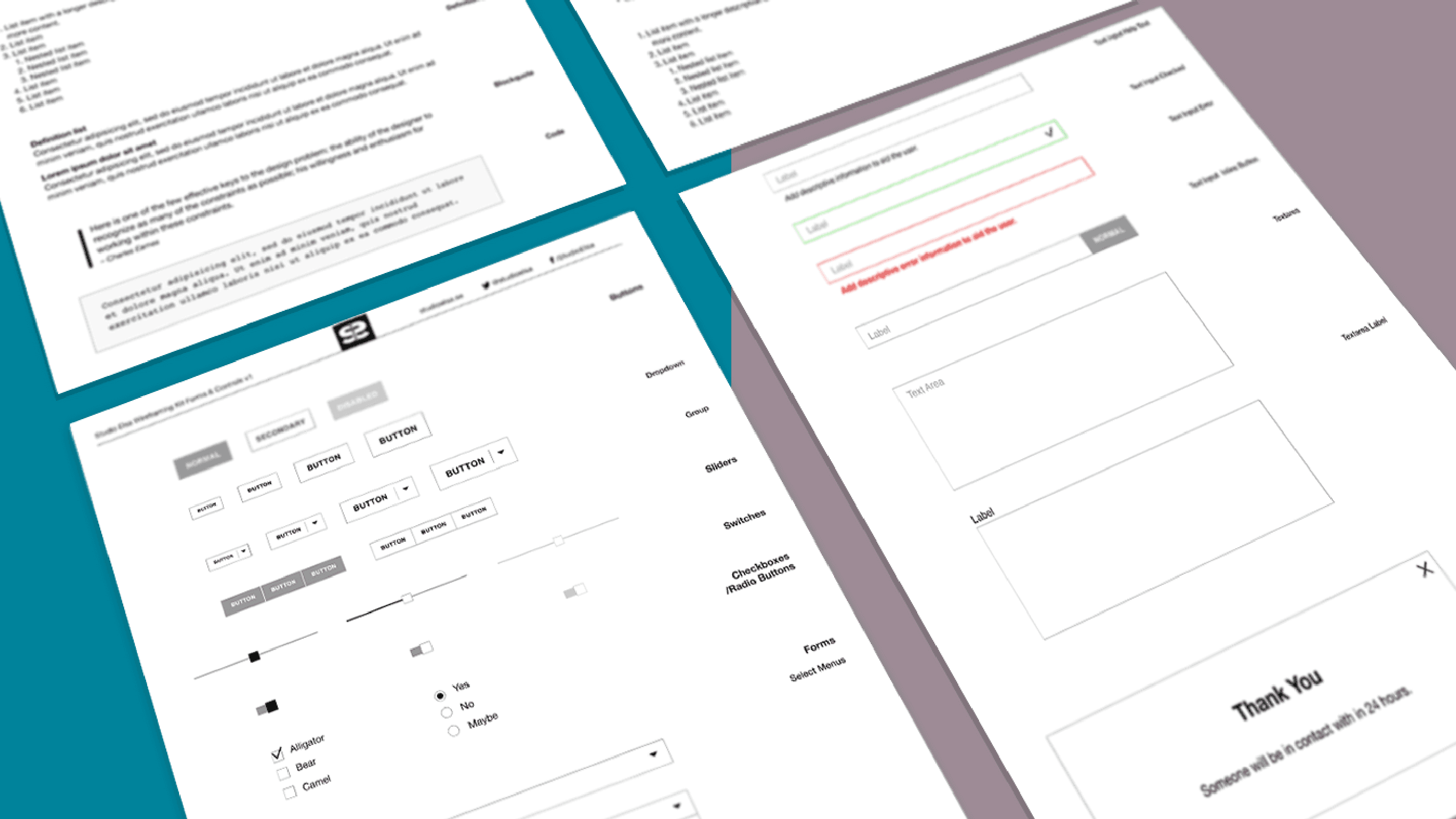
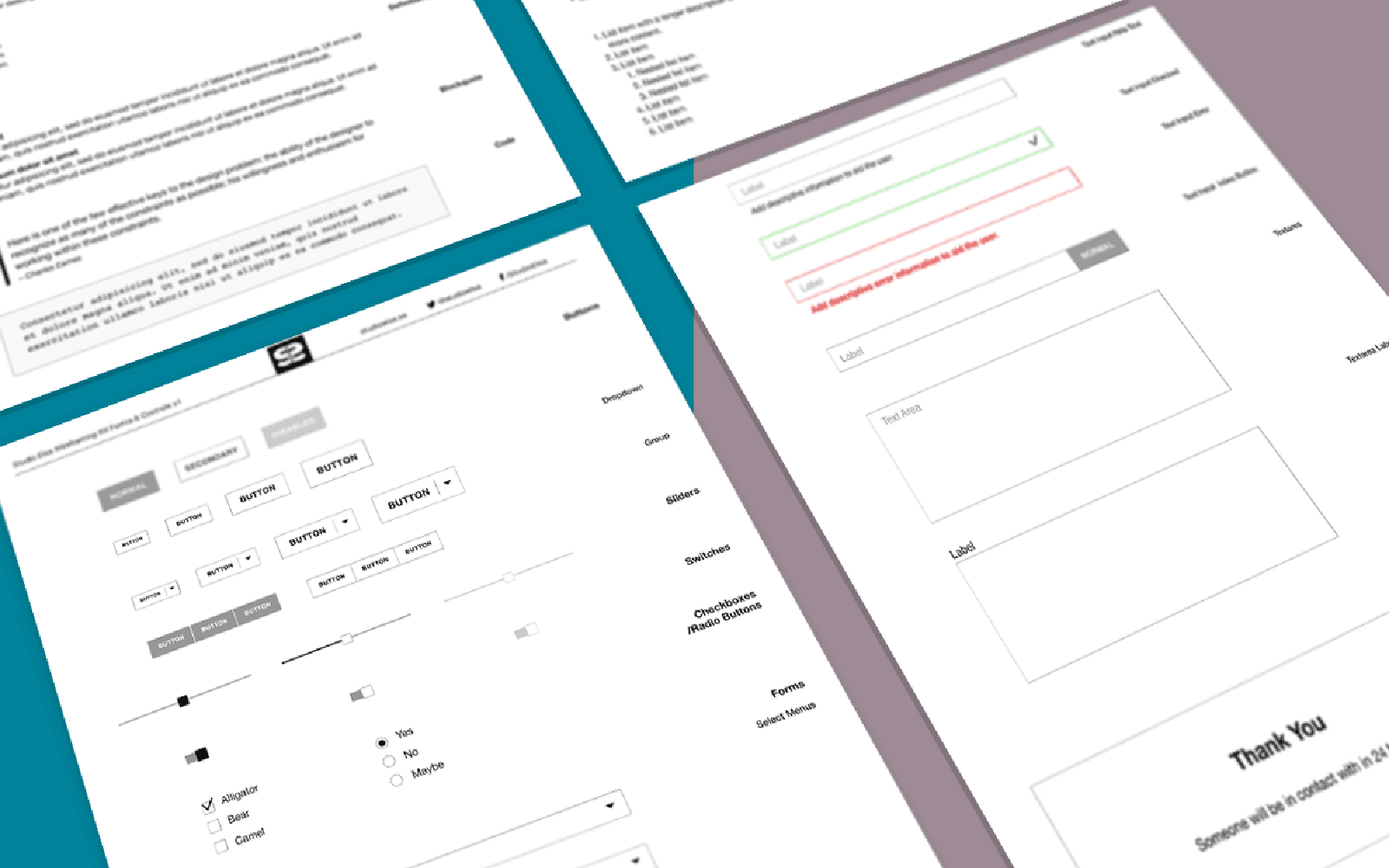
Included in this kit
1. Buttons
Tiny, Small, Medium and Large Buttons. Button Dropdowns and Button Groups,
2. Slides
Standard, progress and disabled slides.
3. Switches
Standard, alternative and disabled switches.
4. Checkboxes & Radio Buttons
Checked and unchecked checkboxes. Selected and unselected radio buttons.
5. Forms
Select menus, text input, label, help text, success, error, text input with inline button, textarea with a label.
6. Modal Window
Modal Window with information. The text includes a timeframe for expected response, according to best practices.
Enjoy! ヾ^_^
Download Adobe XD Forms & Controls Kit
More Wireframing Kits for Prototyping in Adobe XD
Want help putting this into practice?
If you want a hand applying this to your product or workflow, we can help you shape the next step.
Start something