


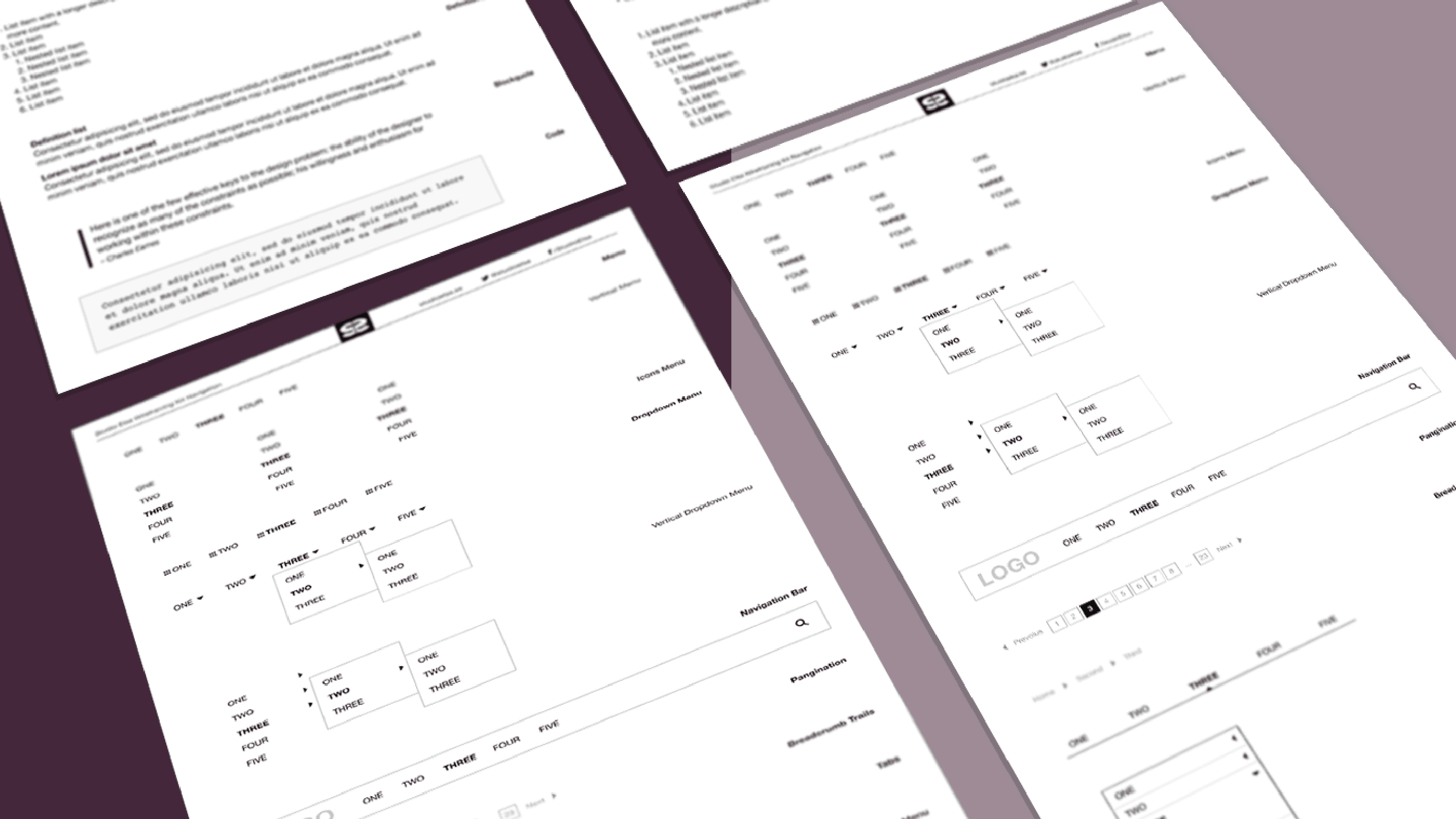
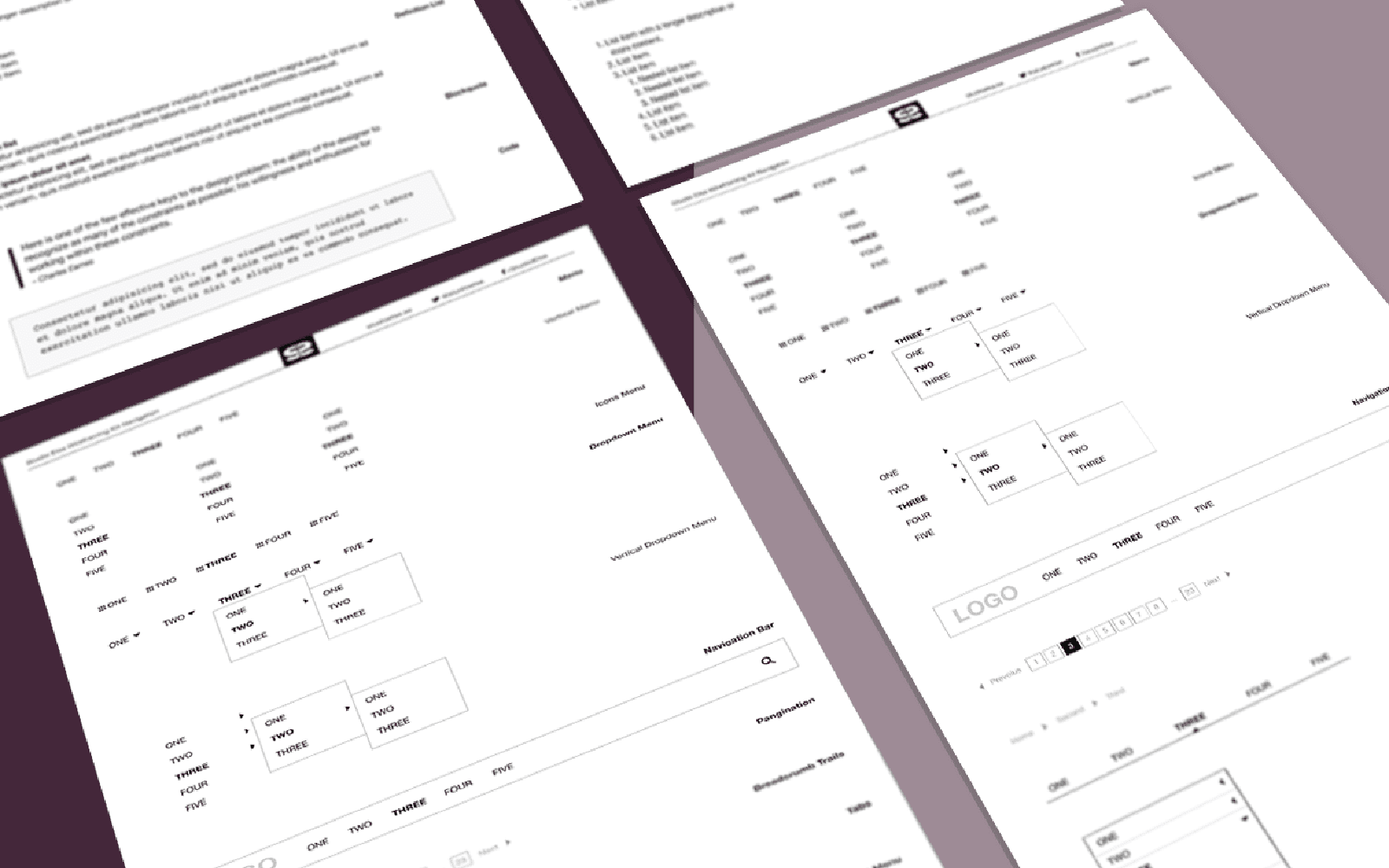
Navigation:Wireframing Kit for Better Prototyping in Adobe XD
There is no reason why we should as designers have to re-create standard components such as dropdown and tabular menus over and over again. It's a waste of your time, time that can be better spent solving actual design problems.
As I have mentioned before when sharing wireframing kits, my existing Illustrator wireframing assets are, per project basis, converted and recreated one by one. So let me share with you my common menus and standard navigation components. Use them as you see fit, and I will keep sharing small kits as I have them converted moving forward. Oh, and please check back for more.
Enjoy! ヾ^_^
Download Adobe XD Navigation Kit
Included in this kit
1. Menus
Horizontal and vertical menus, and with icons.
2. Dropdown Menus
Horizontal and vertical dropdpown menus.
3. Navigation Bar
Standard top navigation bar with logo placement and search.
4. Pagination
Pagination with page numbers and previous/next navigation.
5. Breadcrumb Trails
Breadcrumb trail with dividers.
6. Tabs
Tabular Navigation with active state.
7. Accordion Menu
Accordion with active state.
Enjoy! ヾ^_^
Download Adobe XD Navigation Kit
More Wireframing Kits for Prototyping in Adobe XD
Want help putting this into practice?
If you want a hand applying this to your product or workflow, we can help you shape the next step.
Start something