


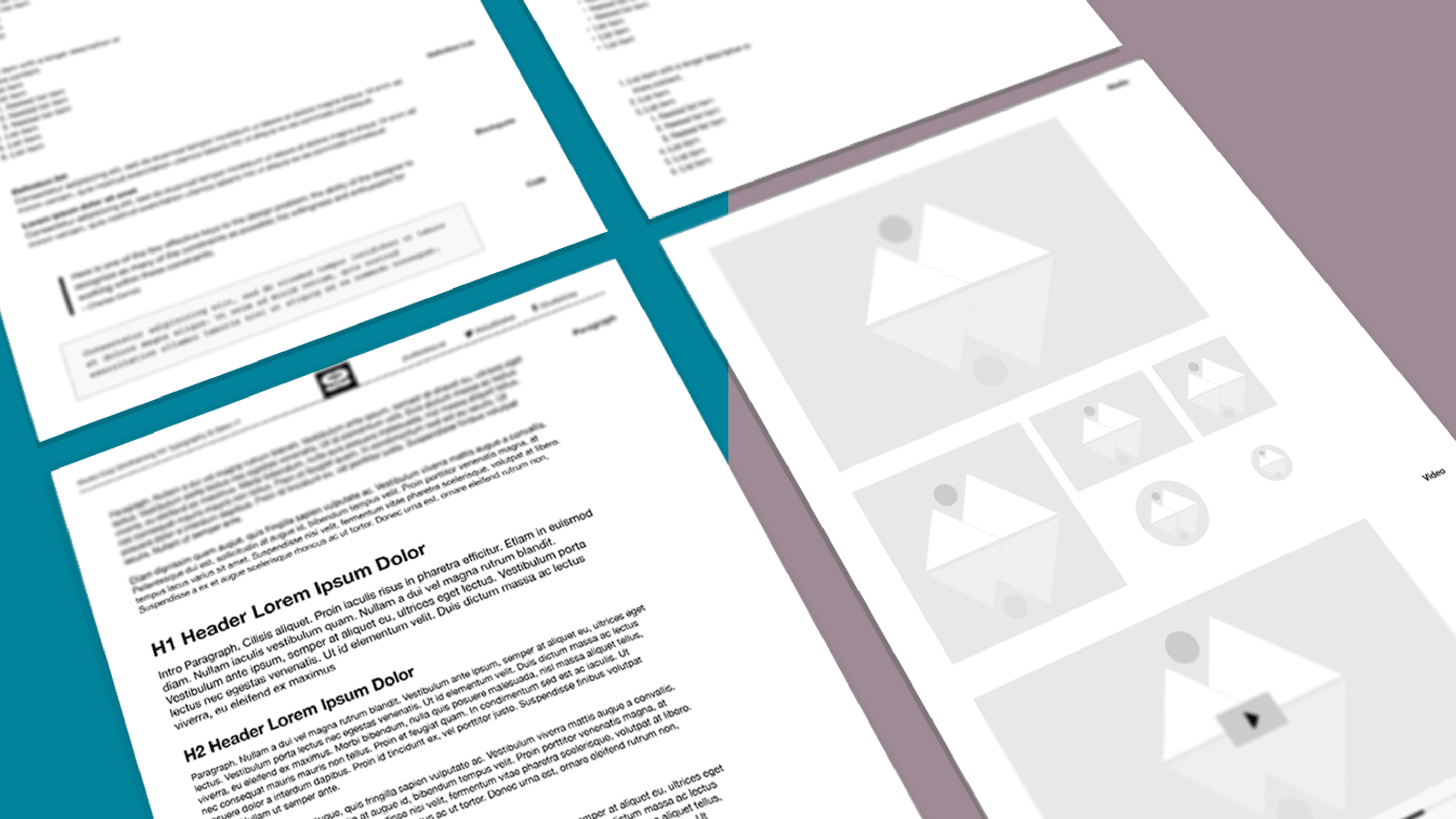
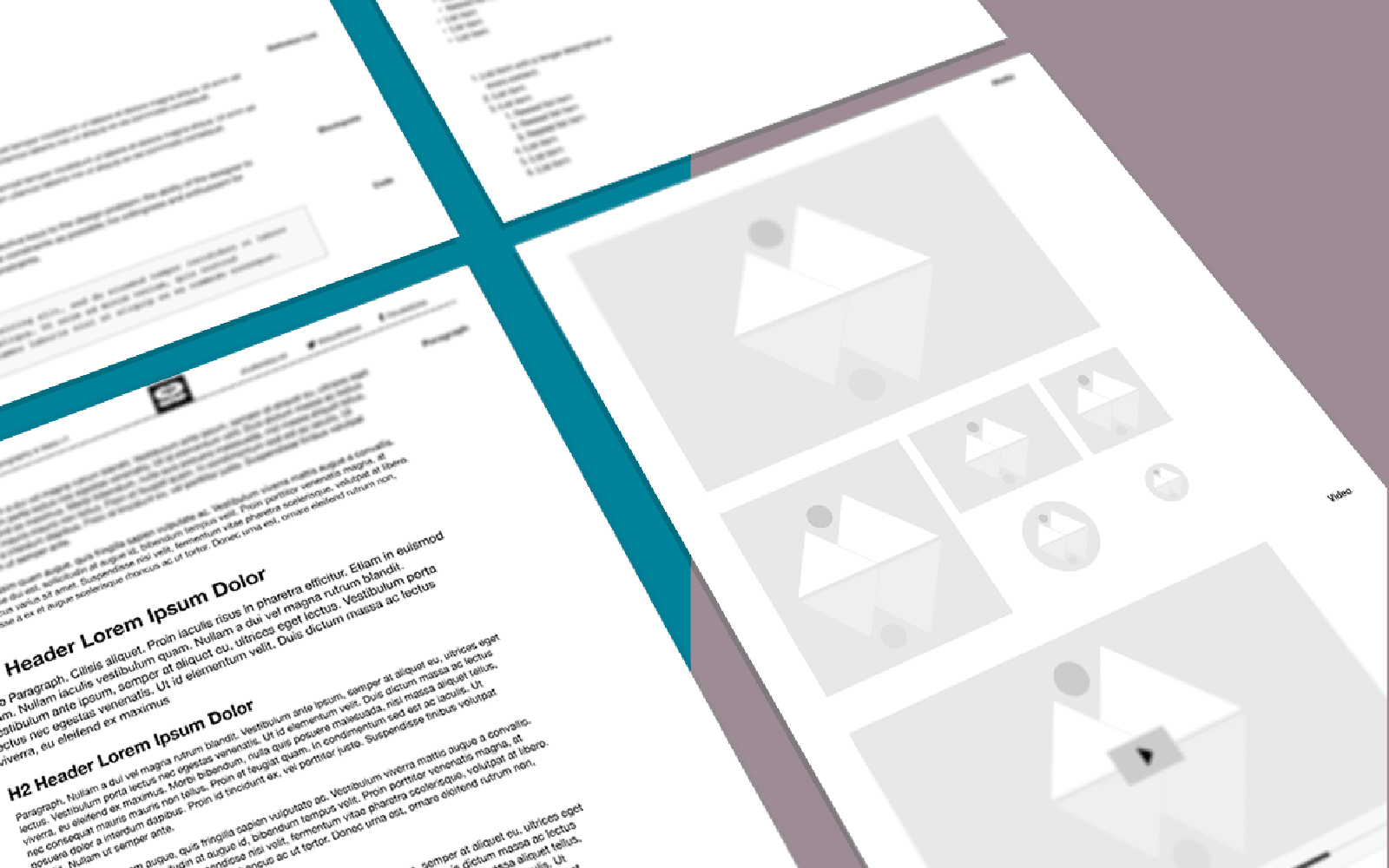
Typography & Base:Wireframing Kit for Prototyping in Adobe XD
Wireframes are the blueprint of a website or application and an important step in the development. A visual guide, illustrating all critical components needed for a user to accomplish the intended goal and purpose of the site or application. It serves as an agreement between all parties of what we are creating. Having a good wireframing kit cuts time and allows you to do faster prototyping.
I have in the past, tried and used several tools and methods to create and present wireframes, user-flows, and prototypes. Everything from Balsamiq, InVision, OmniGraffle to PDF click throughs. All with various success, none of them fit the rest of my tool stack, which consisted of Adobe Creative Suite, and mainly Adobe Illustrator. Yeah, I never really liked Photoshop for the web, and once things went responsive, vectors were an obvious choice. And as a result of this, I ended up with wireframing in Illustrator and using InDesign to create presentations and layout user-flows.
When Adobe announced their new prototyping application Adobe Experience Design, I was excited to try it out. Maybe it will replace what I currently am doing, and still play nice with the rest of the Adobe Suite?
It turns out I am quite comfortable working in Adobe XD (Experience Design). The application is still in beta, I am patiently waiting for upgrades to improve the things that are not. My existing Illustrator wireframing assets are, per project basis, converted and recreated one by one. So let me share with you, text component for structured blog content and media elements. Use them as you see fit, and please check back for more. I am planning to release smaller kits like this for different moving forward.
Enjoy! ヾ^_^
Included in this kit
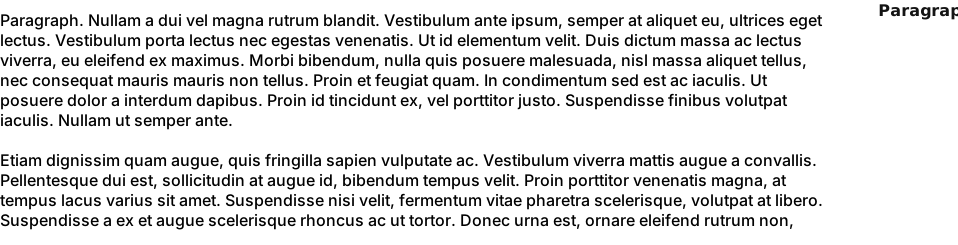
1. Paragraphs
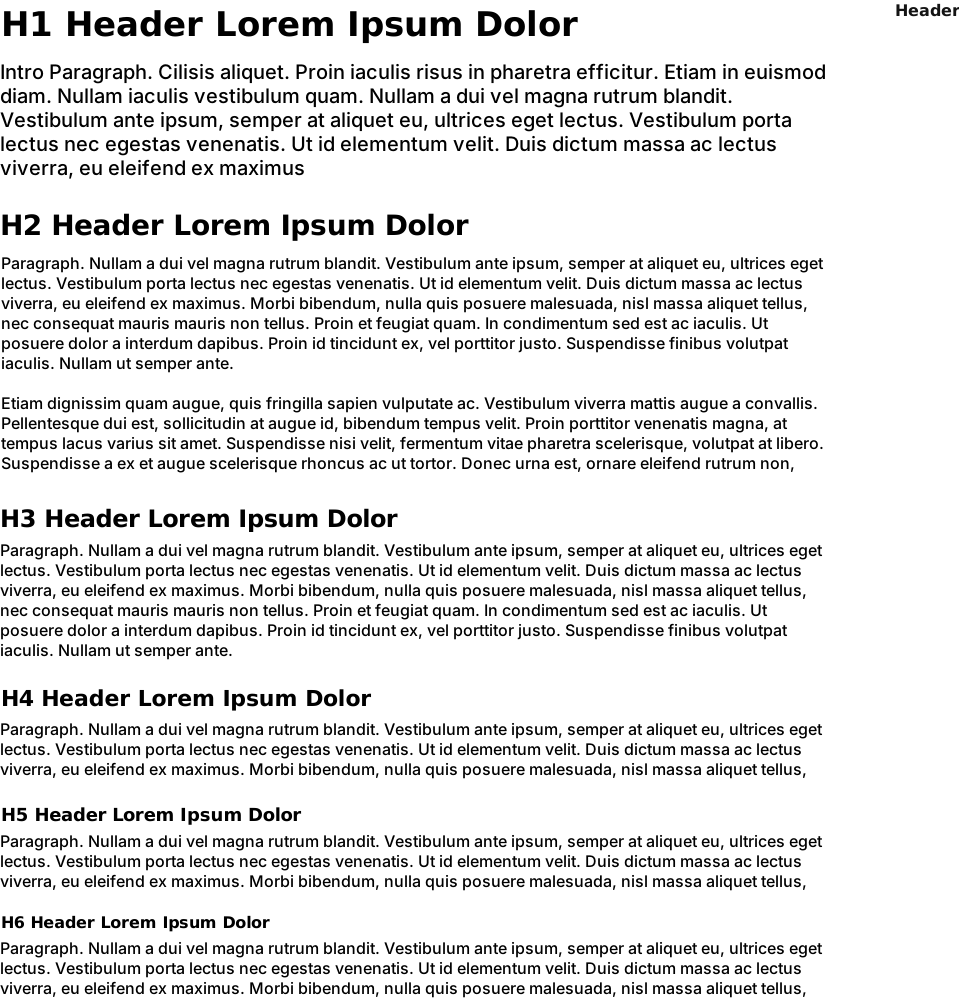
2. Headers
3. Empasis/Strong

4. Divider

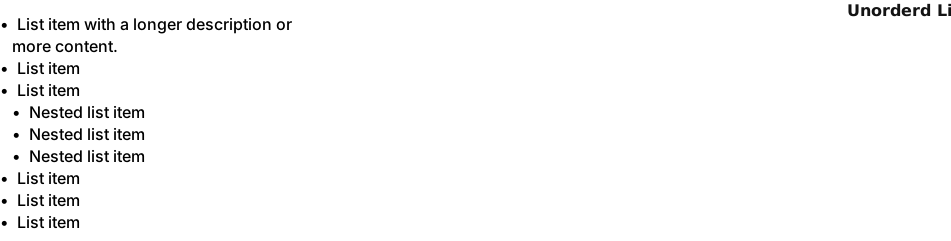
5. Unordered List
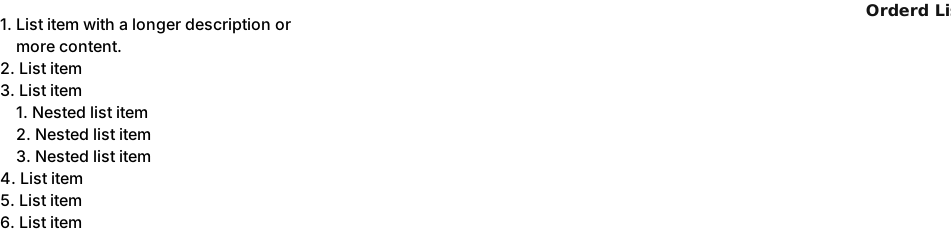
6. Ordered List
7. Definition List

8. Blockquote

9. Code

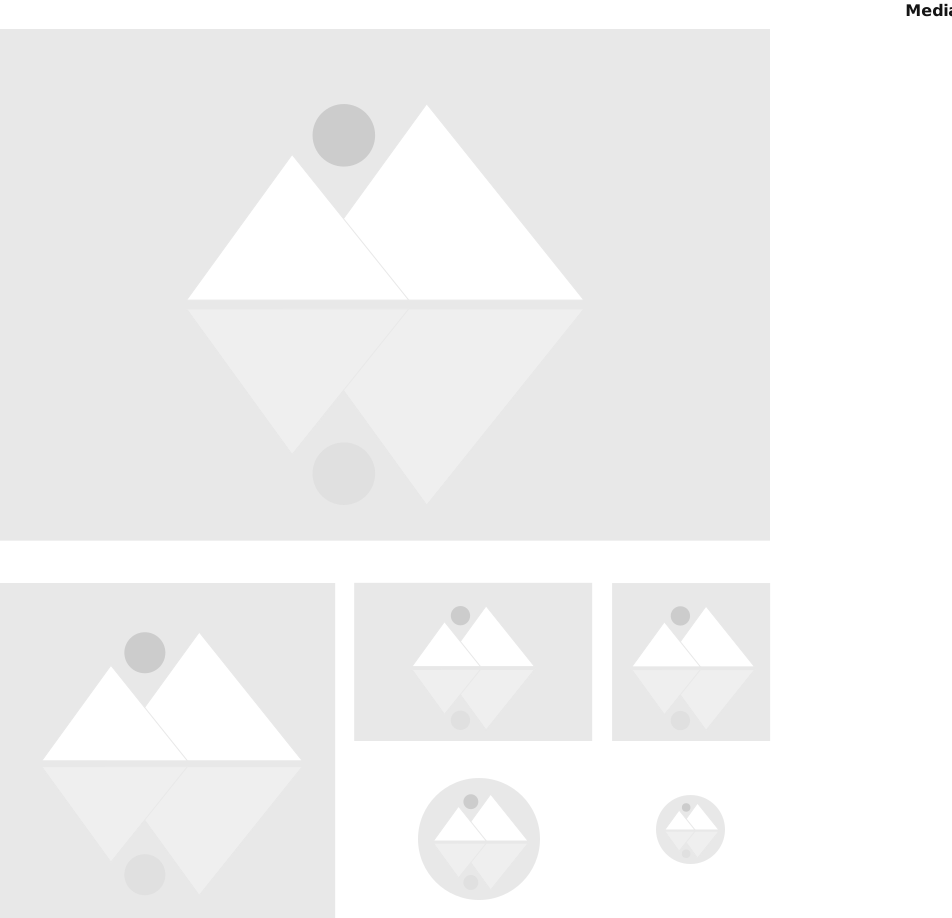
10. Images
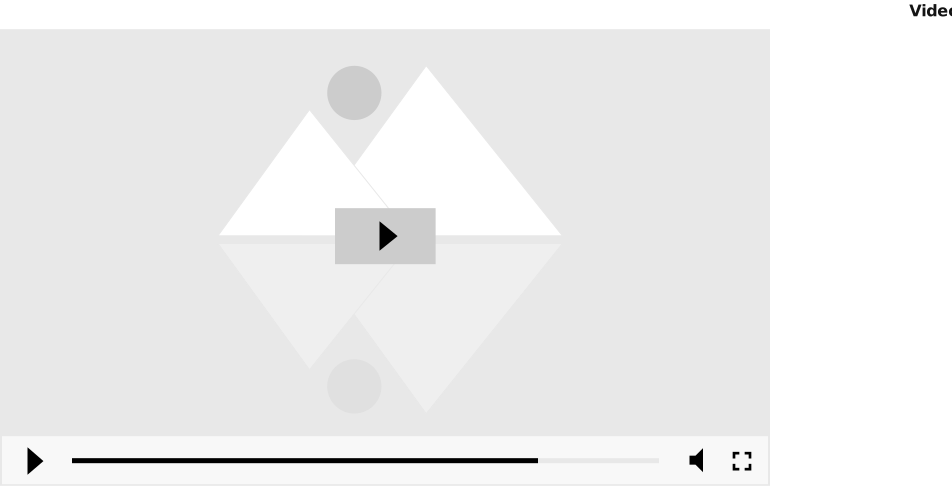
11. Video Player
Enjoy! ヾ^_^
More Wireframing Kits for Prototyping in Adobe XD
Want help putting this into practice?
If you want a hand applying this to your product or workflow, we can help you shape the next step.
Start something